Where to find the EK333 sign up button
EK333 keeps the registration entry point visible in both desktop and mobile versions. You do not need to search across many menus.
On desktop website
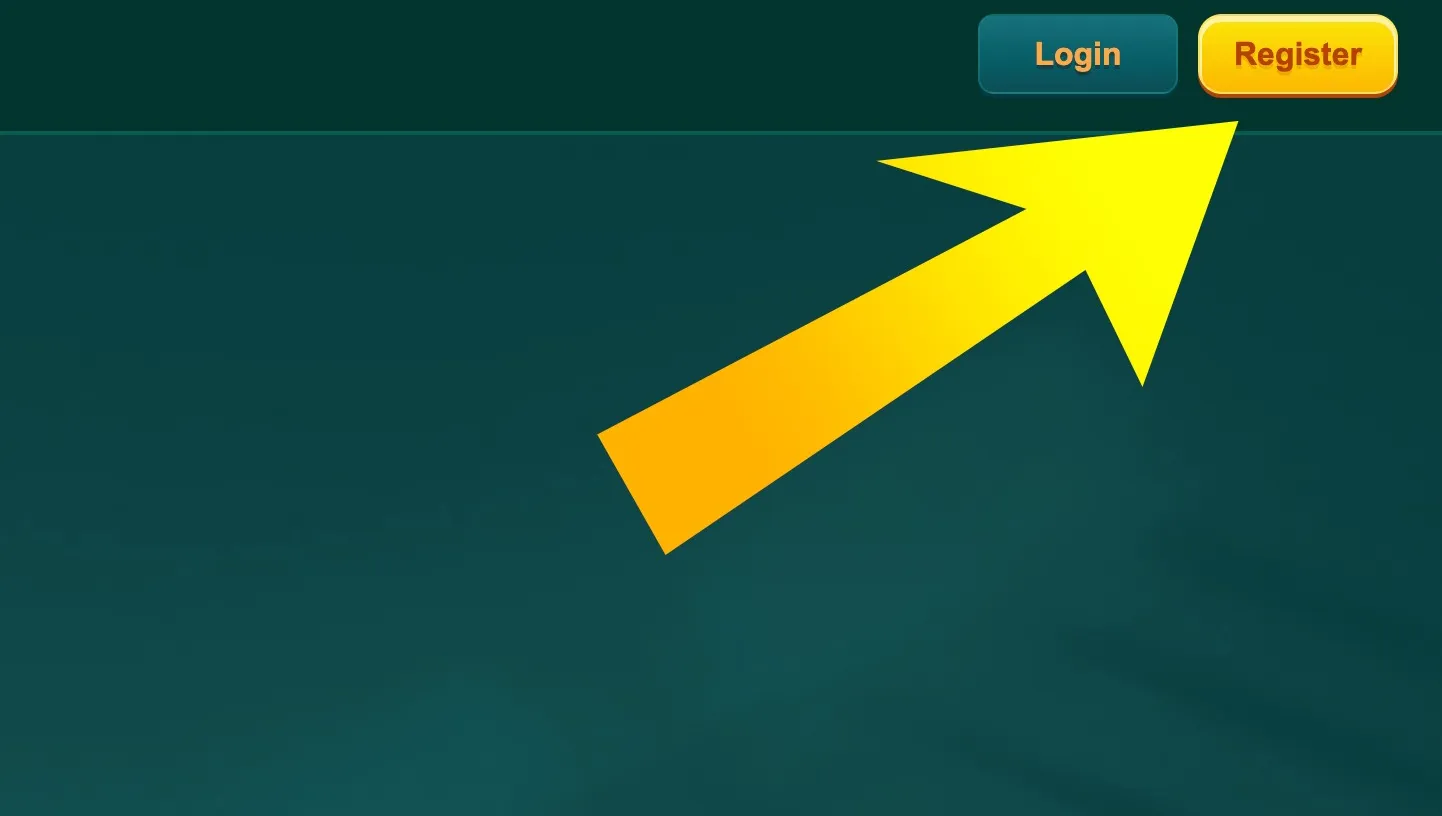
On a computer or laptop, open the official EK333 domain. In the top right corner of the header you will see two buttons side by side - Login and Register. The Register button is highlighted so that new users can spot it at once.
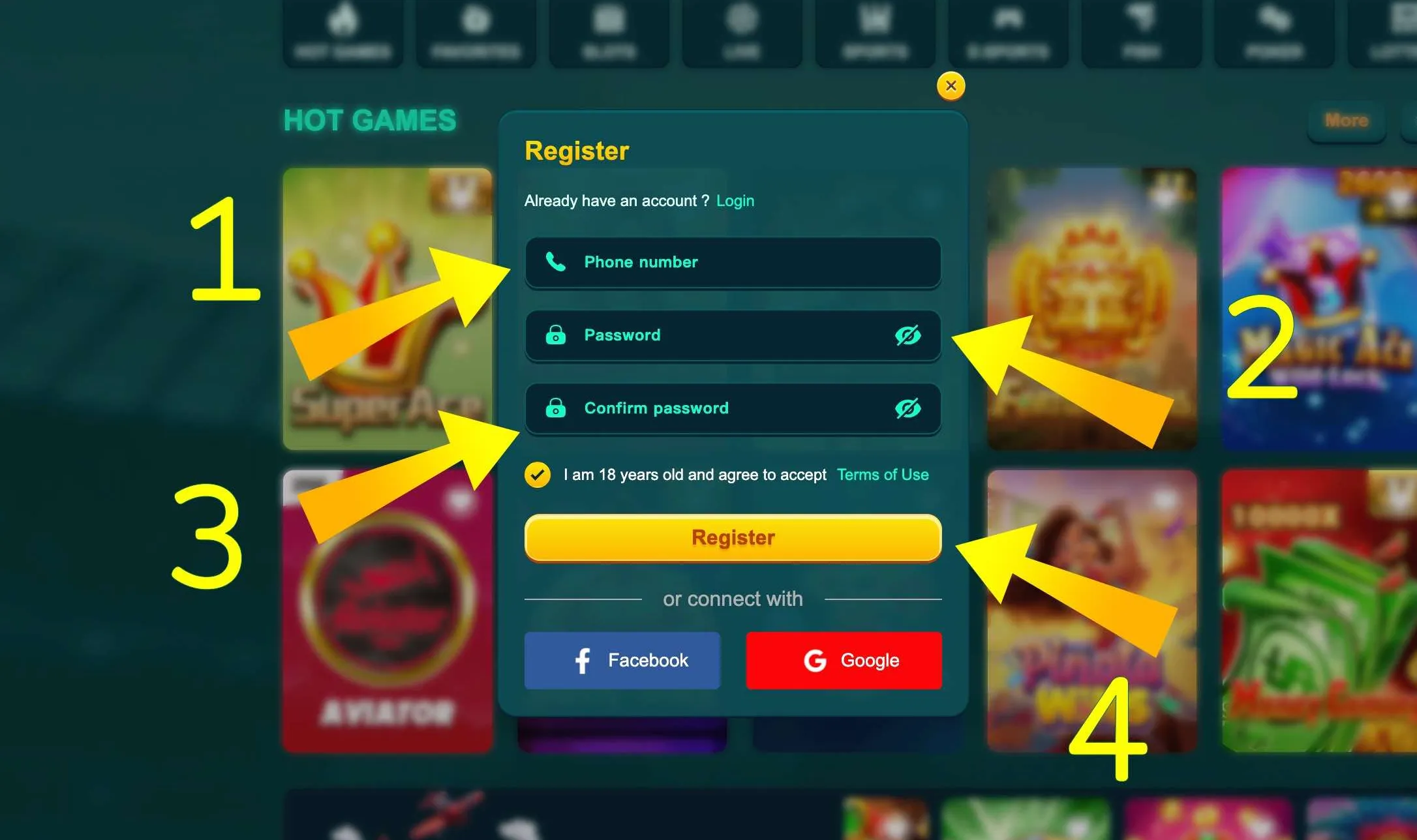
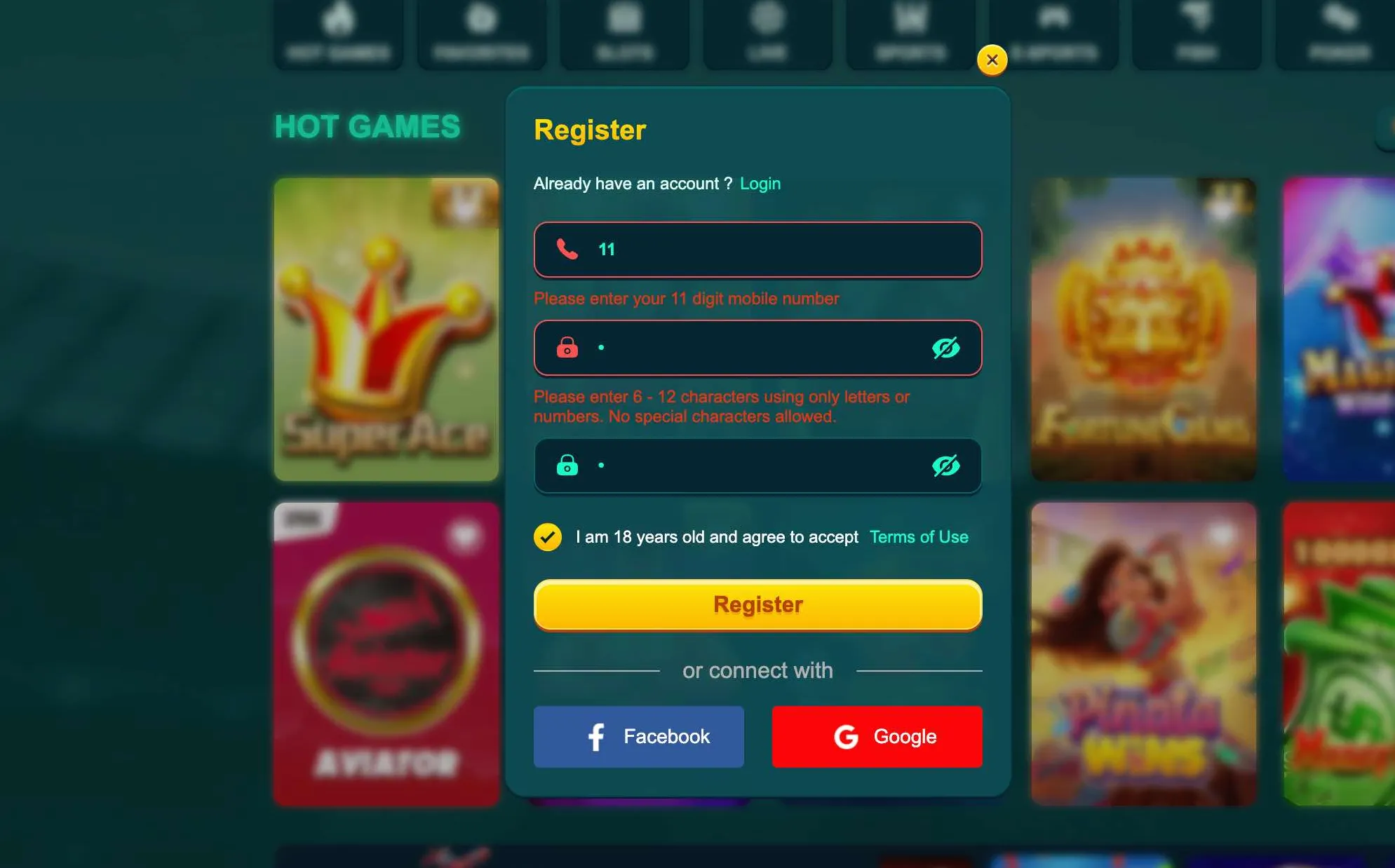
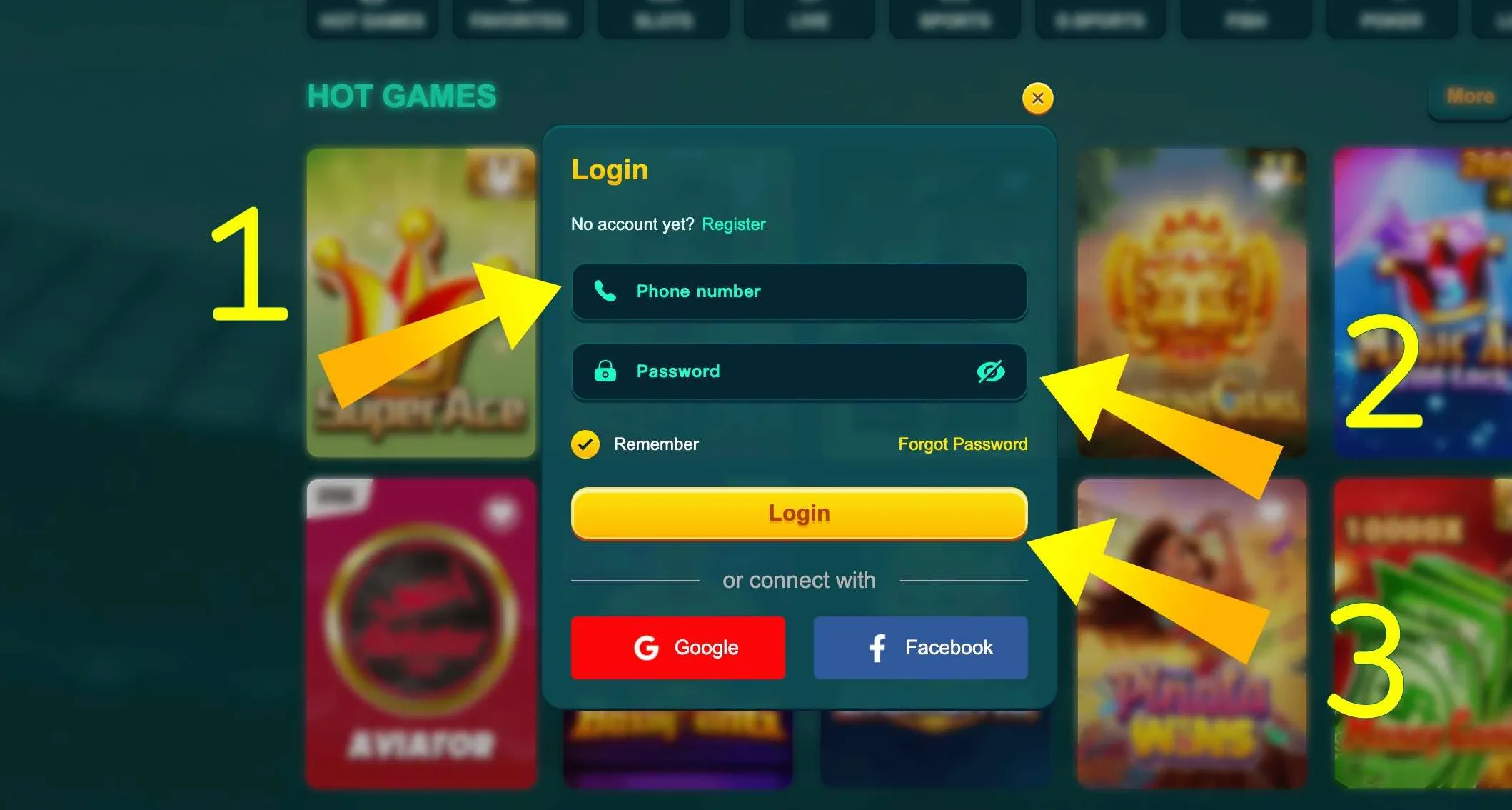
Clicking Register opens a small pop up window with the sign up form. The rest of the page becomes darker, so you focus only on the fields that need to be completed.
On mobile browser
If you use Chrome or another browser on your smartphone, the layout is similar but adapted to a smaller screen. At the top of the page the Register button sits near the Login button. Tapping it slides up the same registration form with phone and password fields.
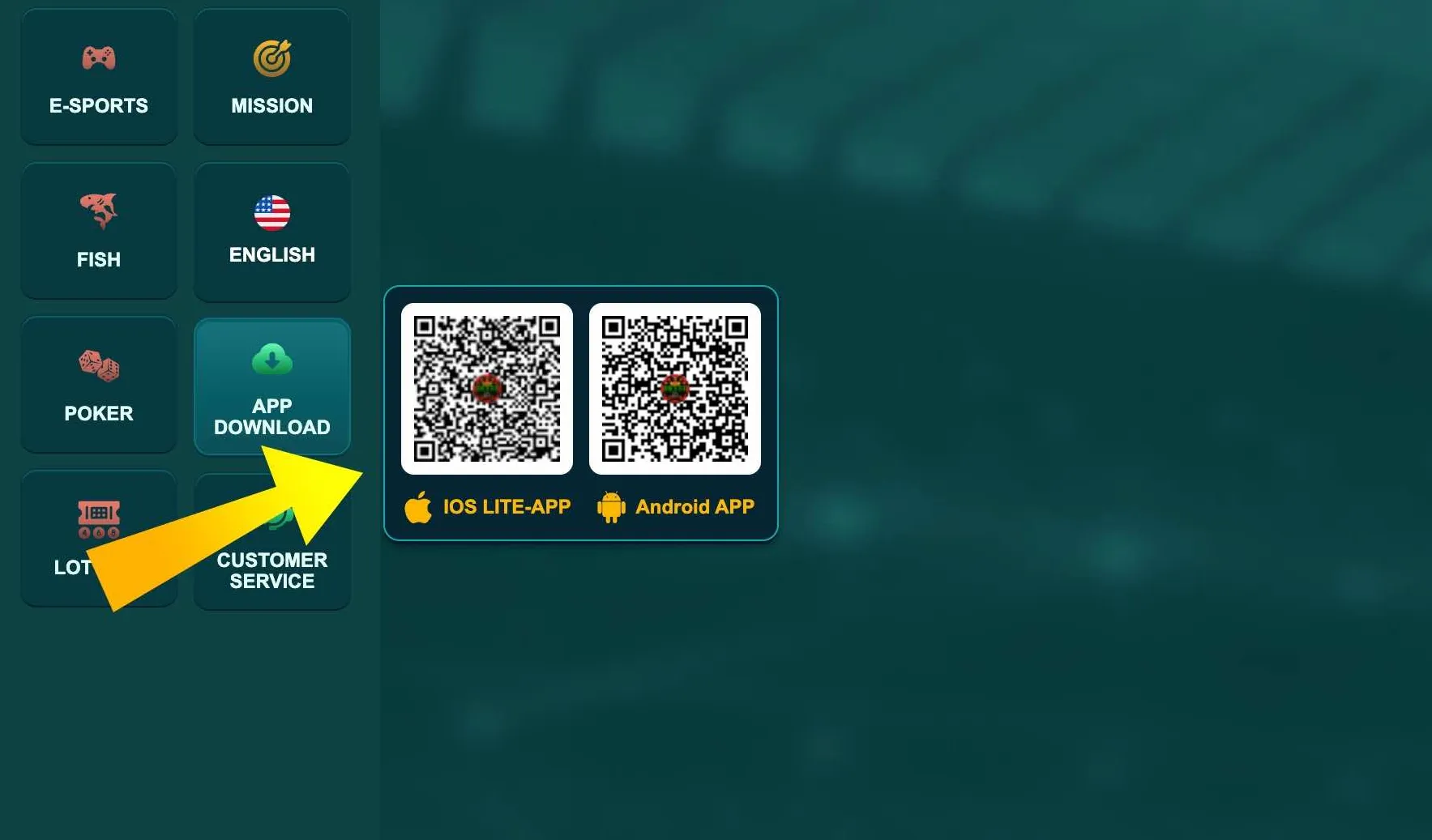
Inside the EK333 app
In the Android app and iOS PWA, the entry point is on the start screen. When you open the app without an active session, you see two large buttons - Login and Register. The Register button leads to an in app form that looks almost identical to the web version, but fields are optimised for touch input and numeric keyboards for the phone number.